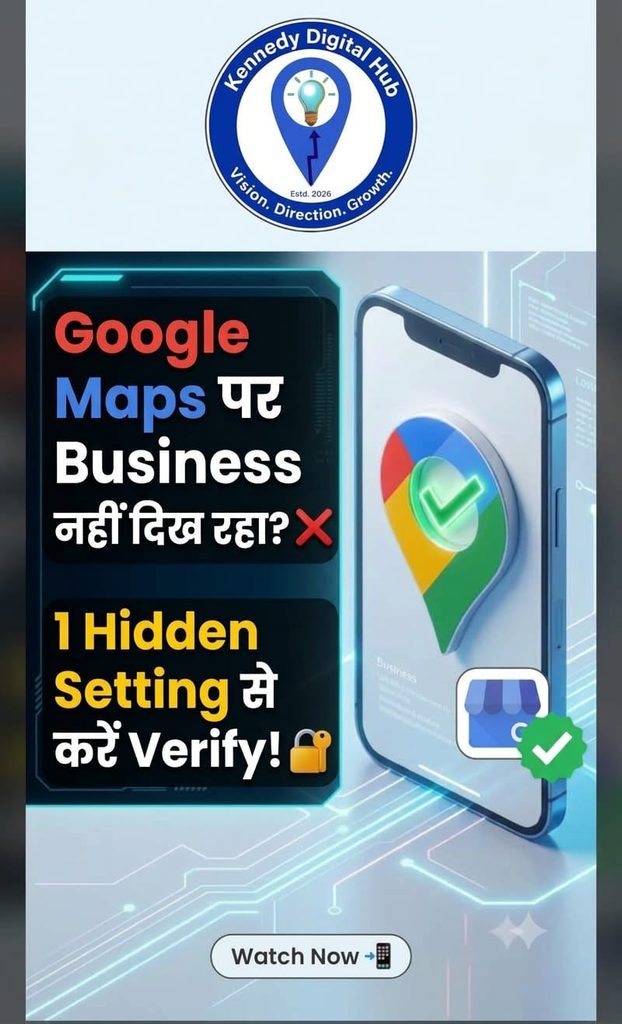
Introduction:
Are you a freelancer or service-based business owner struggling to show up on Google Maps? You are not alone. Many service-providers hit a wall during the GMB live setup and verification phase, or worse—they compromise their personal privacy by listing their home address. The good news? You can easily build local authority while keeping your home secure.
Why Verification Matters:
Without completing your official verification, Google simply hides your profile from local search results. Google uses methods like OTP or Video Verification to filter out fraudulent accounts and protect searchers.
The Step-by-Step Fix for Freelancers: Step 1: Log into your GMB Dashboard and navigate to the Info section. Step 2: Under Business Location, select the option: “No location; deliveries and home services only.” This completely removes your residential street address from the public map. Step 3: Set up your explicit Service Area. If you operate out of New Delhi, inputting your target territory ensures you safely pop up for regional searches without a physical map pin. Step 4: Submit for verification via the prompt (Video upload or Mobile OTP) to push your business live.
Conclusion:
Optimizing your digital footprint shouldn’t mean sacrificing your personal privacy. Take 5 minutes today to audit your location settings.
Need expert help setting up your professional digital infrastructure? Explore our services at Kennedy Digital Hub to scale your online presence seamlessly. Leave a comment below if you ran into errors during your verification process!
Google My Business verification for freelancers, hide home address on Google Maps, service area business setup GMB, local SEO optimization, Kennedy Digital Hub business setup.