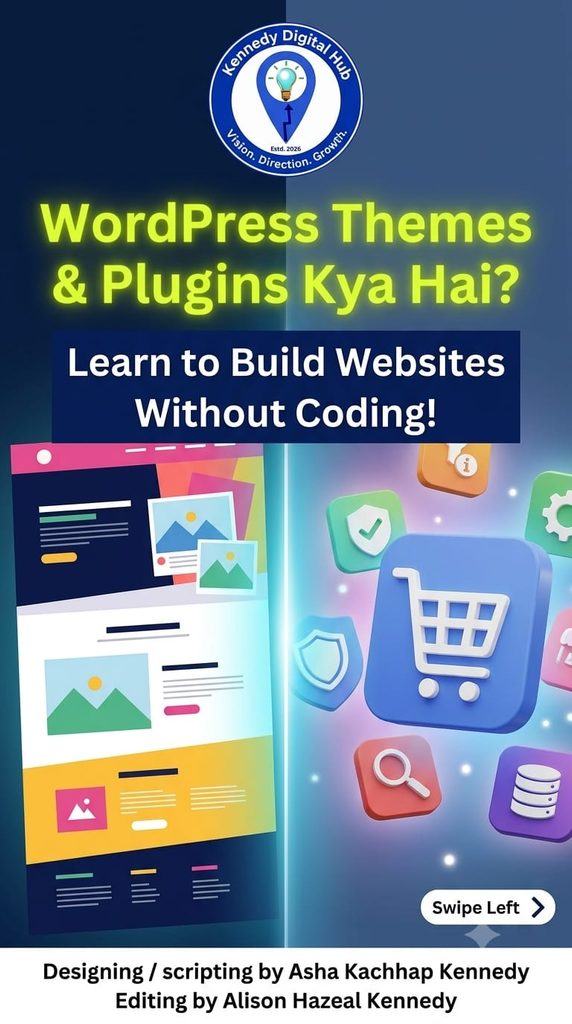
How Themes & Plugins Build Your Dream Website Without Code.
Stop paying thousands to web developers! You can design and power up any website yourself using just two things.
Creating a website used to require hundreds of lines of complex code. Today, platforms like WordPress power over 40% of the internet because they democratised web development. If you are stepping into the world of WordPress, the first two terms you must master are Themes and Plugins. Let’s explore what they are and how to use them effectively.
What is a WordPress Theme?
A WordPress theme is responsible for the look, feel, and style of your website. It controls everything from your color schemes and typography to page layouts and navigation menus.
Analogy: If your website is a house, the theme is the interior design, paint color, and architecture.
How to use it: Go to your WordPress Dashboard > Appearance > Themes > Add New. Browse thousands of free layouts, click Install, and then Activate.
What is a WordPress Plugin?
A WordPress plugin is a piece of software containing a group of functions that can be added to a WordPress website. They extend functionality or add new features to your sites without touching a line of code.
Analogy: Plugins are like the appliances in your house—adding a refrigerator (e-commerce functionality) or a security system (firewalls).
How to use it: Go to your WordPress Dashboard > Plugins > Add New. Search for what you need (e.g., “Contact Form”), click Install Now, and click Activate.
Key Rules for Beginners:
Keep it lightweight: Too many plugins can slow down your website. Only install what you absolutely need.
Keep them updated: Regular updates patch security vulnerabilities and fix bugs.
Choose highly rated options: Before installing, check user reviews and compatibility with your latest WordPress version.
WordPress themes for beginners, what are WordPress plugins, how to use WordPress themes, WordPress website development, build website without code.
#WordPress #WebDevelopment #WordPressThemes #WordPressPlugins #NoCode #WebsiteDesign #TechEducation #DigitalMarketing #LearnWordPress