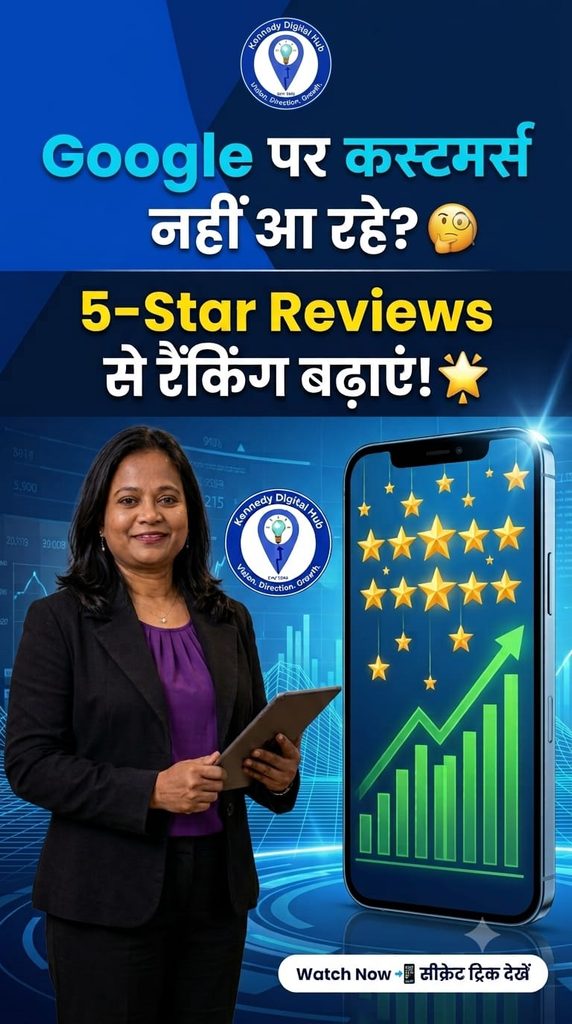
Are you struggling to get phone calls, leads, or digital clients from Google Maps even after verifying your profile? You are not alone. Many freelancers and small business owners check every box during setup but still find themselves hidden on page two or three of local search results.
The missing element isn’t your services—it’s your digital trust.
According to consumer data, over 92% of customers check online ratings before hiring a local service provider. On Google Business Profile (GMB), reviews aren’t just for show; they are a critical ranking signal that tells Google’s algorithm your business is active, reliable, and trusted by the community.
If you want to outrank your competitors and dominate local SEO, here is a step-by-step framework to leverage the power of 5-star reviews and unlock 10X local visibility.
- Extract and Share Your GMB Direct Review Link
The biggest mistake business owners make is telling clients, “Search for my business name on Google and leave a review.” This adds friction to the process. Customers get distracted or give up halfway through.
The Fix: Google provides a specific shortcut link that takes clients directly to your review pop-up window with one click.
- Log into your Google Business Profile dashboard.
- Look for the “Ask for Reviews” or “Get More Reviews” button.
- Copy the short, clean URL generated by Google.
By sending this direct link, you make it incredibly easy for busy clients to drop a rating in under 5 seconds.
- Master the Art of Requesting Client Feedback
Many freelancers feel hesitant or shy when asking for feedback. However, your work is your identity, and your genuine clients are almost always happy to support your growth if you ask professionally.
The Strategy: As soon as you deliver a project, send a polite, personalized follow-up message via WhatsApp or email.
“Thank you so much for choosing us for your digital growth! It was an absolute pleasure working with you. To help us support more independent brands, could you take 5 seconds to share your genuine experience using this direct link? Your feedback means the world to us. - The Golden Rule: Reply to Every Single Review
Most people think managing reviews is a one-way street. You receive a rating, and you move on. This is where 90% of profiles miss out on explosive algorithm boosts.
The Secret: Google explicitly tracks how active a business owner is. When you reply to a review, you signal to the algorithm that your business is fully functional and customer-eccentric.
- For Positive Reviews: Don’t just say “Thank you.” Incorporate your target SEO keywords naturally. For example: “Thank you so much! We love providing top-notch graphic design and internet marketing services to our clients.”
- For Negative Reviews: Remain polite, professional, and solution-oriented. This shows prospective clients that you take accountability and handle challenges gracefully.
Conclusion: Build Absolute Authority Today
A verified profile gets you on the map, but consistent, genuine customer feedback keeps you at the top of the map. Take 10 minutes today to extract your link, reach out to three past clients, and audit your existing dashboard.
Need Help Scaling Your Digital Infrastructure?
Building a powerful online presence requires perfection, clear strategy, and zero shortcuts. Explore our premium digital marketing consultation, custom website layouts, and localized branding solutions at Kennedy Digital Hub. Let’s build a powerful digital story that drives endless organic leads to your doorstep.
Leave a comment below: How many reviews does your profile currently have? Let’s discuss your local SEO road-map in the comments!
Target SEO Keyword: Google Business Profile reviews, local SEO ranking factors, rank higher on Google Maps, Kennedy Digital Hub.
Discover how to use Google Business Profile reviews to boost your local SEO ranking 10X faster. Learn the exact steps to extract your direct link and attract local clients.