Introduction:
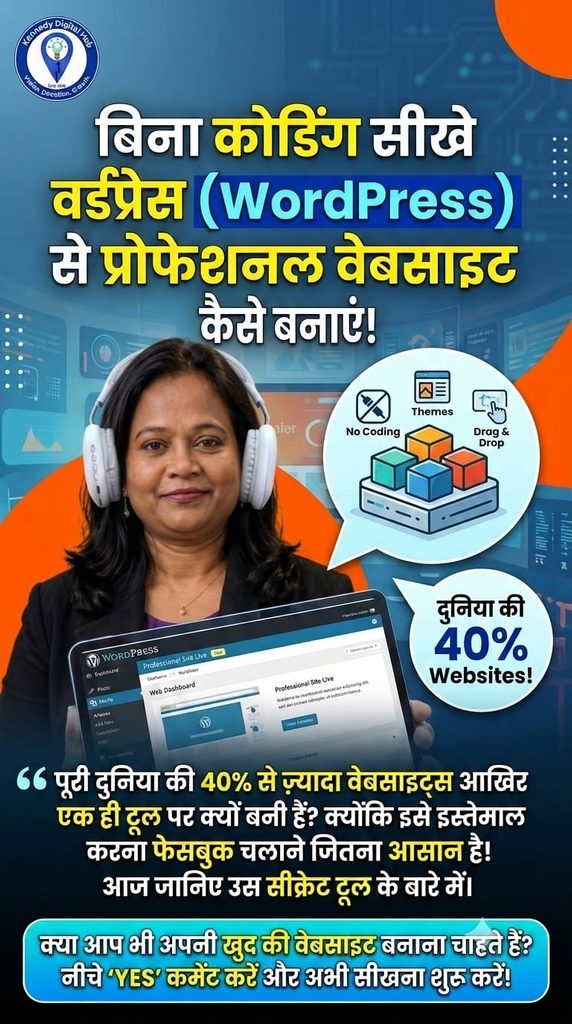
Many people believe that building a website requires complex coding, months of programming classes, or expensive software. However, in today’s digital era, that is completely false. Today, over 40% of the world’s websites are powered by a single, revolutionary tool called WordPress. It is a free, open-source platform that allows anyone to create a stunning, professional website using simple drag-and-drop features. If you know how to operate a Facebook account, you can easily learn to master WordPress!
Why is WordPress the Best Choice for Beginners?
100% Free Website Builder: WordPress itself costs nothing to use. You only need a domain name and a hosting setup to make it live.
No Programming Required: You do not need to learn HTML, CSS, or PHP. You can build complete pages simply by clicking and arranging elements.
Massive Flexibility: Whether you want to launch a business site, a personal blog, or an e-commerce platform, WordPress can handle it all through ready-made layouts.
5 Easy Steps to Build Your First WordPress Website.
1. Secure Your Domain and Hosting: Choose your professional business brand name (Domain) and connect it to a web hosting server
2. Install WordPress: Access your hosting dashboard and set up WordPress with a single click.
3. Select a Responsive Theme: Choose a lightweight design framework (such as Astra or GeneratePress) to instantly control your website’s visual style.
4. Create Core Pages: Build your essential web structure, including a custom Homepage, Service pages, and a Contact section.
5. Add Essential Plugins: Install small functional tools to handle tasks like contact forms, website security, and speed optimization.
Conclusion:
Learning website development without coding is one of the most valuable digital skills you can acquire today. Don’t let technical fear hold your business back from expanding online.
#WordPress #NoCodeWebsites #WebDevelopment #DigitalSkills #KennedyDigitalHub #WebsiteDevelopment #TechTips #WebDesignForBeginners #EntrepreneurSkills